The short answer: for many smaller businesses without specialist IT requirements, a managed IT provider offers broader coverage than a first in-house hire, often for a lower annual cost. Larger organizations, and those with complex on-site systems, usually benefit from in-house IT leadership, often supported by a provider in a co-managed arrangement. The right answer depends less on headcount than on three questions: what hours you need covered, which skills you need regularly, and who should own decisions about your technology.
This guide compares the three models, shows how to build a fair cost comparison, and ends with a scorecard you can use with any provider.
The three models defined
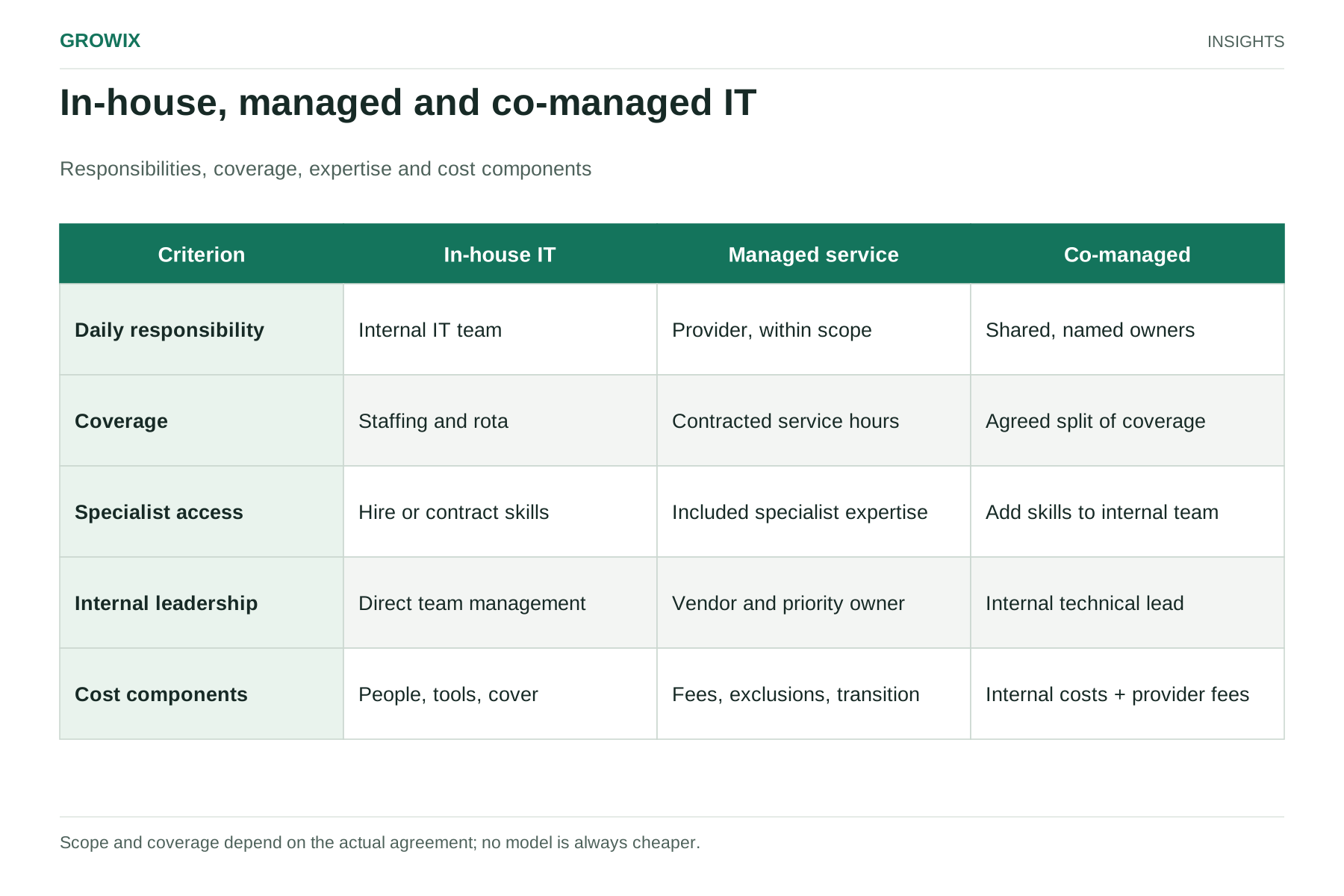
In-house IT. You employ the people who support users, maintain systems and plan technology. You control priorities directly and keep knowledge inside the business. You also carry recruitment, training, absence cover and tooling costs.
Managed IT services. An external provider takes ongoing responsibility for agreed IT operations under a contract, usually including monitoring, maintenance, patching, a helpdesk and reporting. You pay a recurring fee, commonly priced per user or per device, and manage the provider through service levels.
Co-managed IT. Internal IT staff and a provider share the work. A typical split leaves strategy, vendor relationships and on-site tasks with the internal team, while the provider handles monitoring, after-hours cover, patching or helpdesk overflow. The split must be written down, or both sides will assume the other is responsible.
Side-by-side comparison
| Factor | In-house IT | Managed IT services | Co-managed IT |
|---|
| Cost structure | Salaries, benefits, tools, training, recruitment | Recurring fee plus project work billed separately | Internal salaries plus a smaller provider fee |
| Hours covered | Working hours of your staff, minus leave and sickness | Defined in the contract; extended or 24/7 options common | Provider fills gaps around internal hours |
| Breadth of skills | Limited to the people you hire | Access to a team with varied specialisms | Internal generalists plus external specialists |
| On-site support | Immediate if staff are on site | Varies; many services are remote-first | Internal staff handle on-site work |
| Business knowledge | Deep and immediate | Built over time through documentation | Held internally, shared with provider |
| Control over priorities | Direct | Through contract, SLAs and reviews | Mixed; needs a clear responsibility matrix |
| Key-person risk | High in small teams | Lower, if the provider documents well | Reduced compared with in-house alone |
How to compare costs fairly
The most common mistake is comparing a provider's monthly fee with an employee's salary. A fair comparison uses fully loaded annual cost on both sides.
In-house costs to include: salary, payroll taxes and benefits, recruitment fees or time, training and certifications, monitoring and security tools, a ticketing system, cover during holidays and sickness, and management time.
For scale, the US Bureau of Labor Statistics reports a median annual wage of $99,130 for network and computer systems administrators (May 2025). Separately, BLS data shows benefits accounted for 30.0% of employer compensation costs for private industry workers in June 2026, with wages and salaries making up the other 70.0%. Applying that average share to the median wage gives a rough loaded cost of about $141,600 a year ($99,130 ÷ 0.70), before tools, training or recruitment. Your actual figure will vary by location, seniority and benefits package.
Managed service costs to include: the recurring fee, onboarding or transition fees, project work outside the contract (such as office moves or migrations), hardware and licenses if not included, and the internal time needed to manage the provider.
Published price ranges vary widely. One US software vendor's 2026 guide to MSP pricing lists $90 to $150 per user per month for businesses with 26 to 50 employees, but it does not disclose how those figures were gathered, so treat them as a rough market indication and rely on real quotes. These are not Growix prices.
Hypothetical comparison for a 40-person company
These figures are illustrative assumptions, not quotes.
| Item | One in-house administrator | Managed IT services |
|---|
| People cost | $141,600 (loaded estimate above) | — |
| Tools and training | $10,000 (assumed) | Included in fee (assumed) |
| Recurring fee | — | $62,400 (40 users × $130 × 12 months, assumed) |
| Project work | Often absorbed by the employee | $10,000 (assumed) |
| Annual total | $151,600 | $72,400 |
The managed option looks cheaper here, but the comparison is incomplete without coverage. The in-house administrator may also handle procurement, on-site fixes and internal projects a provider would bill separately. Conversely, one person cannot provide after-hours cover or every specialism. Compare what each option actually delivers, not just the totals.
Set coverage and service-level requirements first
Before requesting quotes, write down what you need:
- Hours: business hours only, extended hours, or 24/7 for critical systems?
- Response and resolution targets: by priority level, for example a target response within one hour for a system-down incident during covered hours.
- On-site needs: how often someone must physically handle hardware, networks or printers.
- Security responsibilities: patching, endpoint protection, backup testing, access reviews and incident response.
- Reporting: monthly ticket trends, patch compliance, backup success and recommendations.
Ask every provider to show how their standard agreement maps to that list, and what costs extra.
When each option fits
In-house IT tends to fit when:
- Your systems are complex, specialized or mostly on site, such as manufacturing equipment, labs or retail branches.
- Technology is central to your product and needs daily involvement in planning.
- You have enough steady work to keep two or more people productively busy, which also solves absence cover.
Managed IT services tend to fit when:
- Your team works mainly in cloud and SaaS tools and can be supported remotely.
- You need a breadth of skills, such as networking, security, device management and cloud, that no single hire covers.
- You want predictable monthly costs and documented processes that survive staff turnover.
Co-managed IT tends to fit when:
- You already have an IT manager or small team that is stretched, especially outside business hours.
- You want to keep strategy and vendor decisions internal but buy monitoring, helpdesk or specialist capacity.
On-site coverage needs its own scope. If your main need is a technician physically on site every day, include that requirement explicitly in provider discussions. Growix's IT Support & Helpdesk catalogue emphasizes remote troubleshooting and end-user support. Confirm site attendance, response times and any local support arrangements in the proposal rather than assuming they are included.
A provider scorecard
Score each shortlisted provider from 1 to 5 against these criteria, and weight the ones that matter most to you:
| Criterion | What good looks like |
|---|
| Scope clarity | A written list of included and excluded services, with example project rates |
| Service levels | Response and resolution targets by priority, with reporting against them |
| Security practice | Patching cadence, backup testing, privileged access controls, incident process |
| Documentation | Your environment documented in a form you can access and keep |
| Transition plan | A defined onboarding period, and an exit process that hands back credentials and documentation |
| Reporting and reviews | Regular reviews with trends and recommendations, not just ticket counts |
| Fit with your tools | Experience with your main platforms and line-of-business software |
Pay particular attention to exit terms. Make sure administrative credentials, documentation and configuration remain yours if you change providers.
Contract details that change the real cost
Two quotes with the same monthly fee can deliver very different value. Read the agreement for these points:
- Definition of a user or device. Check whether shared mailboxes, contractors, part-time staff and test devices count, and how numbers are trued up.
- Included vs billable work. Onboarding new starters, software installs and minor network changes may be included or billed hourly.
- Project rates. Ask for the hourly or daily rate for work outside the agreement, and for an estimate of typical annual project spend at a business of your size.
- Third-party costs. Clarify who pays for security software, backup storage and licenses, and whether the provider adds a markup.
- Term and notice. Longer terms may lower the fee but reduce flexibility. Check notice periods and any early termination charges.
- Service credits. Credits for missed service levels are rarely large, but their presence shows the provider measures performance.
What a transition usually involves
Moving from in-house to managed, or between providers, typically follows a defined onboarding period. Expect the provider to audit your environment, document systems and access, install monitoring and management tools, and agree escalation contacts before taking over day-to-day support. Plan for a short overlap during which your current staff or provider remains available, and keep an internal owner for the relationship even after the handover. If you are reducing an in-house team, take professional advice on employment obligations and give the transition enough time to transfer knowledge properly.
Frequently asked questions
What are managed IT services?
Managed IT services are an arrangement in which an external provider takes ongoing responsibility for agreed IT operations under a contract, typically monitoring, maintenance, patching, a helpdesk and reporting. You pay a recurring fee, often per user or per device, and manage the provider through service levels.
What are the benefits of IT outsourcing?
The main benefits are a broader range of skills than one hire can offer, cover outside business hours and during absences, predictable monthly costs and documented processes that survive staff turnover. The trade-offs are less direct control over priorities and, unless agreed in the contract, limited on-site presence.
How much do managed IT services cost?
Most providers price per user or per device each month, with projects billed separately. Published ranges vary widely and rarely explain their method, so compare real quotes against the same written requirements, and compare them with the fully loaded cost of in-house staff, not salary alone.
What is co-managed IT?
Co-managed IT splits the work between internal IT staff and a provider. A common split keeps strategy, vendor relationships and on-site tasks internal while the provider handles monitoring, after-hours cover, patching or helpdesk overflow. Write the split down so each side knows what it owns.
Next steps
Write down your coverage requirements and build a loaded cost for your current or planned in-house setup. Then ask two or three providers to quote against the same requirements, and use the scorecard to compare them.
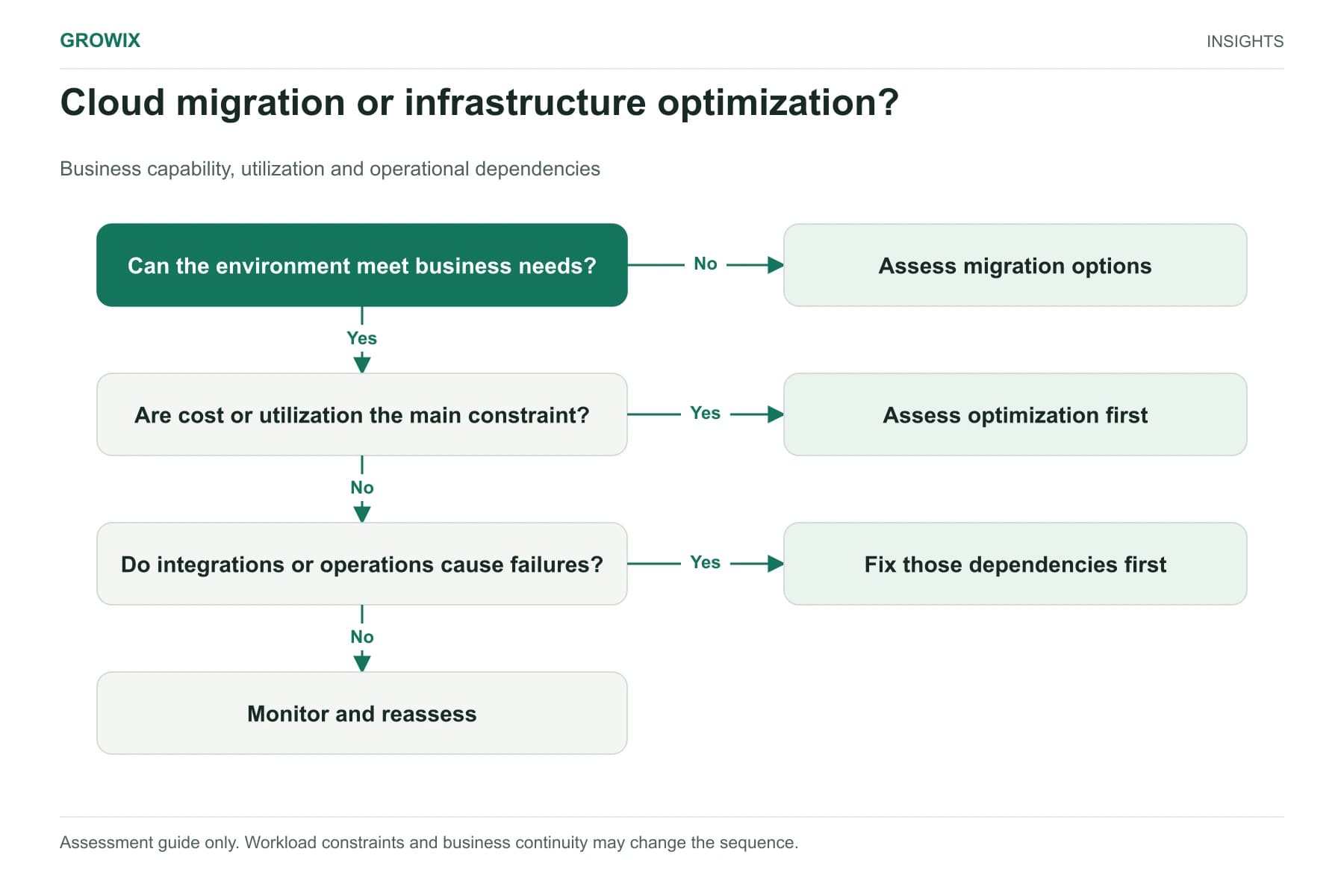
If you want ongoing responsibility for IT operations under a scoped agreement, Growix's Managed IT Services provide proactive maintenance, monitoring and managed support, with our IT Support & Helpdesk handling end-user issues remotely. If your team is also weighing cloud decisions, see cloud migration vs infrastructure optimization.
Discuss your IT and infrastructure needs